

Hearthlight
Your home and office, beautifully connected.
A free interface for Home Assistant.
WHY I BUILT HEARTHLIGHT
Made for my home.
Shared with yours.
I built this dashboard for myself — a simple, beautiful way to bring my connected home together. I knew other people wanted something like this for their own homes, so I opened Hearthlight to everyone to try.
You’re welcome to create your own free account, connect your Home Assistant setup and make it part of your everyday life.
Faisal RafiqCreator of Hearthlight
MEET YOUR DASHBOARD
Everyday control. A calmer home.
Your spaces, together
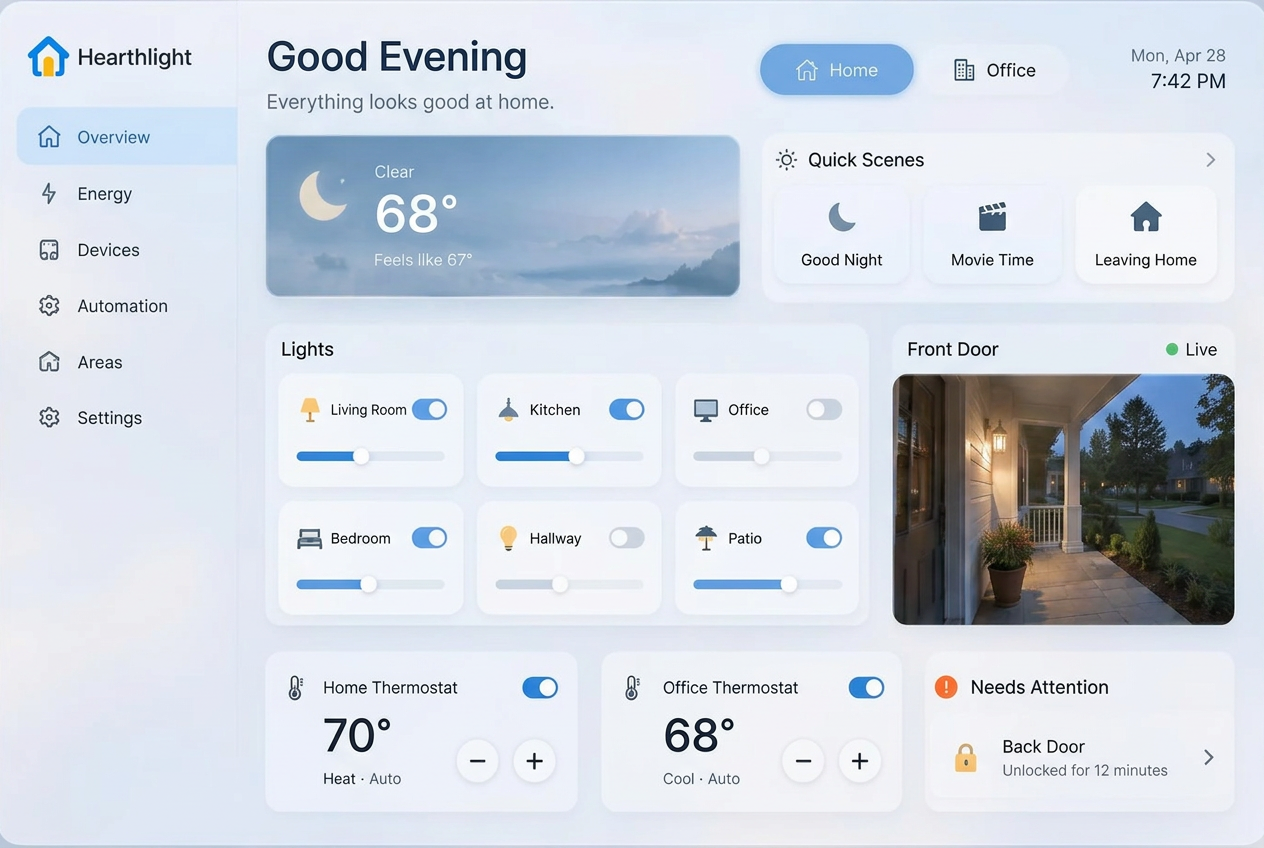
Lights, climate, locks, camera images and quick scenes — across home and office.
Take a closer lookSay it. Make it happen.
Talk to your home and draft simple light or thermostat routines with a confirmation before saving.
Take a closer lookA window to the day
Local weather, a seven-day forecast and a tablet-friendly dashboard with wall mode.
Take a closer lookOne hub. Every location.
A Home Assistant installation for each location. Hearthlight is free.
Recommended hubs, tablets & setup essentials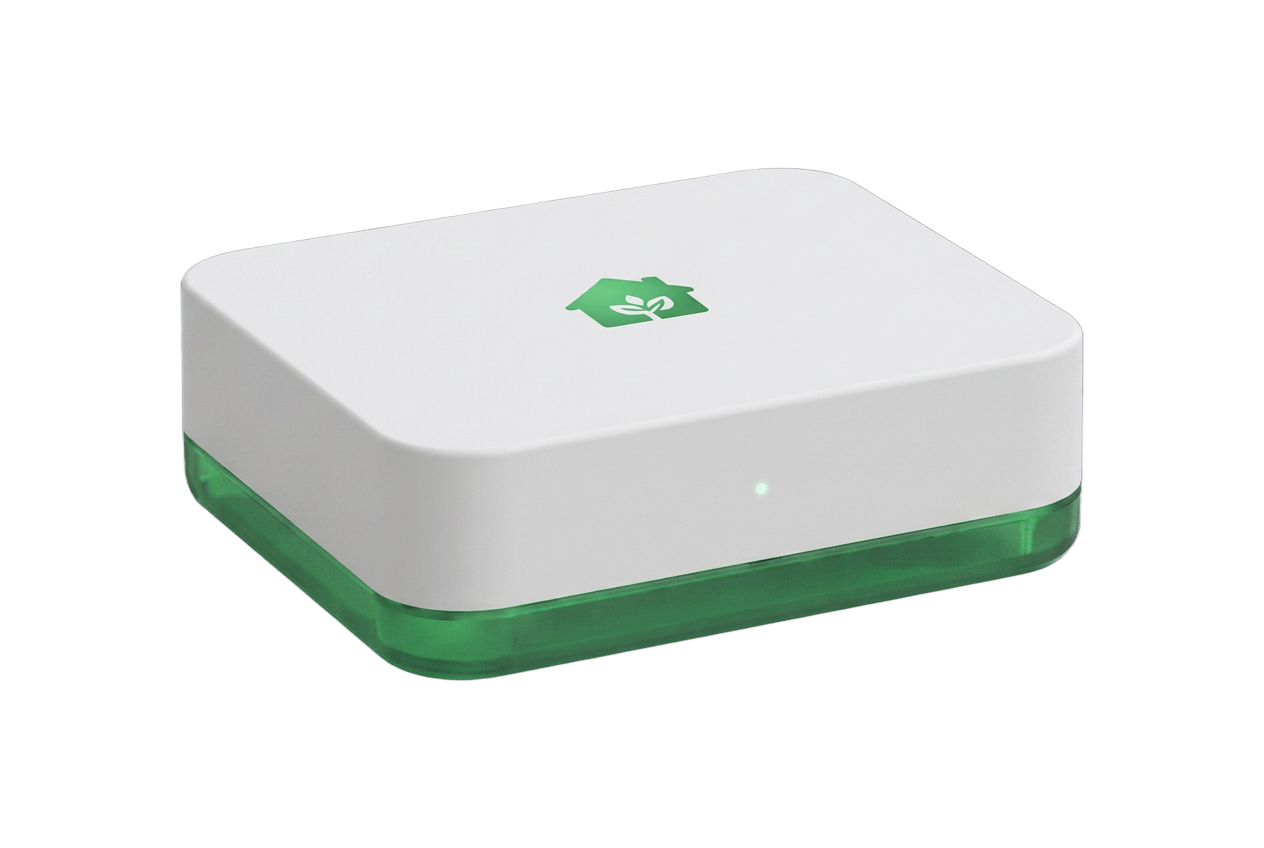 Home Assistant Green
- 1
Choose your hub
Home Assistant Green is an easy starting point, or use your existing Home Assistant installation.
- 2
Connect your devices
Bring your lights, locks, climate and cameras together in Home Assistant.
- 3
Add your location
Connect your reachable HTTPS Home Assistant address and access token in Hearthlight.
HOME ASSISTANT GREEN SETUP
Your Green. Your locations.
Connect your own hub to your free, private Hearthlight dashboard.
Bring your Green online
Connect Green to your router with Ethernet, then plug in power. On the same network, open http://homeassistant.local:8123 and finish Home Assistant onboarding.
Add your devices in Settings → Devices & services and assign them to areas. Check that they work in Home Assistant first. Already have Home Assistant? You can use that installation instead.
Official Green onboardingYOUR AI. YOUR ACCOUNT.
Bring your own Claude and Deepgram.
Connect your Claude API key for request interpretation and your Deepgram API key for Hold to Talk transcription and spoken replies in dashboard Settings. Their usage is billed directly to your provider accounts, helping keep Hearthlight’s dashboard free.
Both connections are optional. Without them, requests use your Home Assistant assistant and supported browser speech recognition. Spoken replies require your own Deepgram key; without it, replies are text only. Hearthlight never switches narration to its own AI credits. Keys are private to your account, encrypted and never displayed again.
AI setup, privacy & separate costsNotes from a connected home.
Hearthlight updates, practical tips and stories from Faisal.
Your first location starts here.
From unboxing your hub to opening your own dashboard.